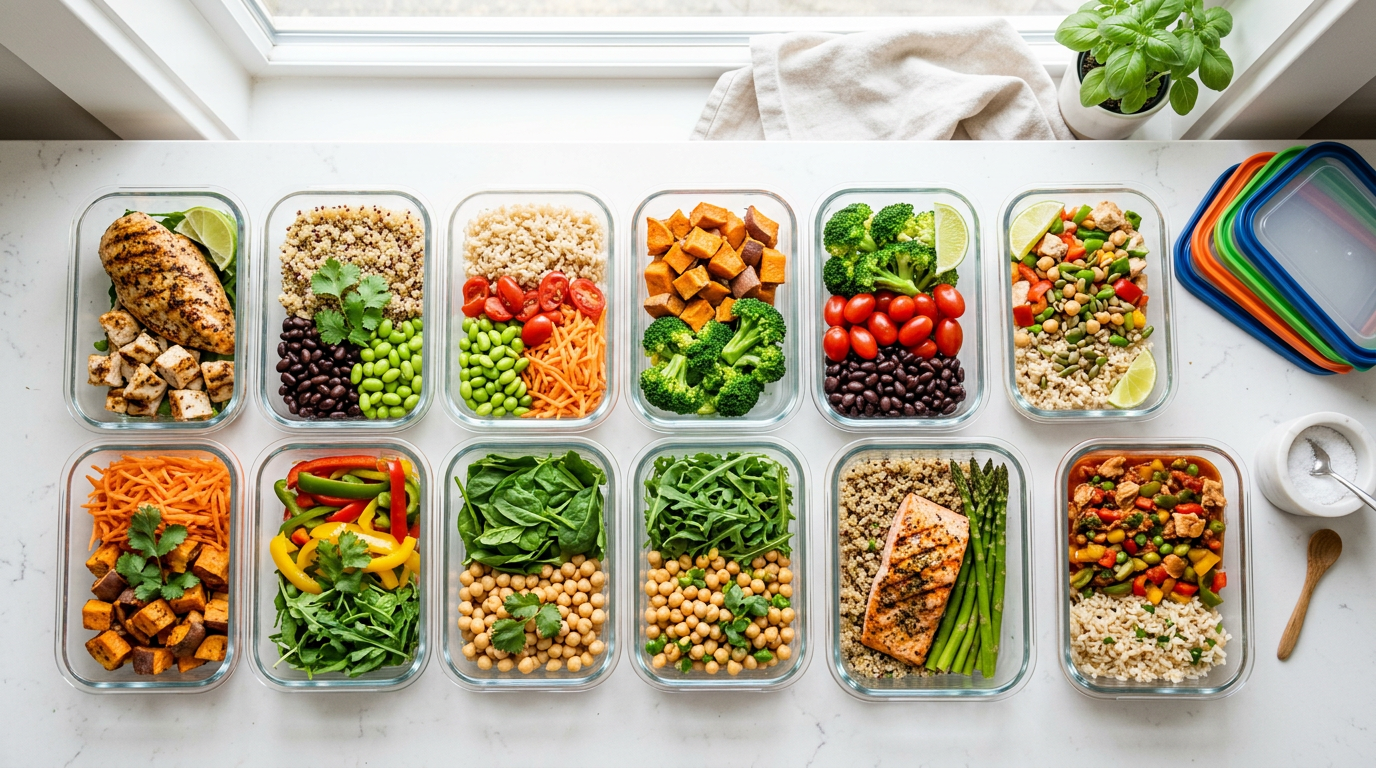
Running a meal prep business on Shopify means solving a problem that most ecommerce apps ignore entirely: your menu changes every week. Every Monday you publish new meals. Customers order by Wednesday at 5 PM. You prep Thursday and Friday, deliver Saturday. Next week, the entire menu rotates. Shopify treats products as permanent listings. Your business treats them as weekly events. That gap is where meal prep merchants lose hours of manual work every single week.
Standalone meal prep platforms like GoPrep ($95-249/mo) and Sprwt ($250-950/mo) were built for this workflow, but they force you off Shopify entirely, lock you into their checkout, and cost 10-20x more. The six apps below let you build the same weekly-rotation workflow on Shopify while keeping your existing store, theme, checkout, and customer data.
Quick comparison
| App | Solves | Price | Best for |
|---|---|---|---|
| Weekly Menu Rotation | Menu scheduling & auto-publish | Free | Automated weekly menu swaps |
| Zapiet Pickup + Delivery | Delivery zones & time slots | $29-149/mo | Local delivery routes |
| Recharge Subscriptions | Recurring weekly orders | From $99/mo | Subscription meal plans |
| Order Cap | Daily production limits | Free / $4.99/mo | Capacity management |
| Pickeasy | Order cutoffs & scheduling | Free / $9.99/mo | Delivery window enforcement |
| Klaviyo | Email & SMS marketing | Free up to 250 contacts | New menu notifications |
1. Weekly Menu Rotation
This is the core app for any meal prep business on Shopify. Without it, you're spending Sunday night manually unpublishing last week's meals and publishing this week's. With 15-20 meals per menu, that's 30-40 publish/unpublish actions every single week, plus checking that your collection page shows the right items and nothing from last week leaked through.
Weekly Menu Rotation replaces that entire ritual. Build next week's menu in the app: select your products, set the go-live date (Monday at 6 AM) and end date (next Monday at 6 AM), and walk away. At the scheduled time, the app publishes the new menu's products and unpublishes the old ones. A designated collection ("This Week's Menu") syncs automatically, so your storefront always shows exactly the right items.
The workflow for recurring menus saves the most time. If your Monday menu rotates through the same four meal sets on a monthly cycle, set up four menus with weekly recurrence. The rotation runs itself. For menus that change partially each week, duplicate last week's menu, swap out three or four meals, adjust the dates, and you're done in five minutes instead of forty.
We built this because a Shopify tech consultant told a meal prep merchant "this is not something you can do on Shopify." That was true before this app existed. It's free.
2. Zapiet
Meal prep delivery isn't the same as standard ecommerce shipping. You're delivering fresh food on a fixed schedule to a limited geographic area. You need delivery zones (5-mile radius, specific zip codes), time slots (Saturday 9 AM-12 PM), capacity limits per slot (30 deliveries max per route), cutoff times (order by Wednesday), and holiday blackouts.
Zapiet handles all of this. Set your delivery radius or specific zones, configure available delivery days and time slots, set per-slot capacity, and enforce order cutoffs. Customers see available delivery options at checkout and pick their slot. When a slot fills up, it disappears from the options.
For meal prep businesses that also offer in-store or curbside pickup, Zapiet manages multiple pickup locations with separate schedules and capacity limits. A commercial kitchen that does Saturday delivery but also offers Wednesday afternoon pickup can run both channels through one app.
The main drawback is price ($29-149/mo). But coordinating delivery logistics over email costs more in time once you're past 30 deliveries per week.
3. Recharge
The meal prep business model runs on recurring revenue. Your best customers order every week. Making them manually reorder each Monday (remember to visit the site, browse the menu, add to cart, check out) creates friction that costs you repeat purchases. Some percentage will forget, get busy, or just not bother.
Recharge turns one-time orders into subscriptions. Customers subscribe to "weekly meal prep box" and get charged automatically. They can log into a customer portal to skip a week, pause, swap meals, update their delivery address, or cancel. You get predictable weekly revenue instead of hoping everyone remembers to order.
The integration with Shopify's checkout is seamless for customers. They subscribe the same way they'd buy anything else. The recurring charge happens automatically. For meal prep businesses that offer both subscription and one-time ordering, Recharge handles both through the same product listings.
Recharge starts at $99/mo, which is significant for a small operation. It makes financial sense once you have 50+ weekly subscribers. Below that, manual reordering with a Klaviyo reminder email is cheaper and almost as effective.
4. Order Cap
A meal prep kitchen that can produce 200 meals per day shouldn't accept orders for 300. Meal prep has hard physical limits: prep stations, cooler space, delivery vehicle capacity, and available prep hours. Shopify doesn't know any of this. It will happily accept unlimited orders while you scramble to figure out how to prep 100 extra meals by Saturday.
Order Cap sets a daily cap at the store, product, or variant level. Hit 200 orders? The checkout disables and customers see "Sold out for this week." Per-product limits let you manage specific constraints: cap the chicken teriyaki at 40 portions while leaving the salads uncapped because salads scale more easily.
The webhook backstop is important for meal prep specifically. When you're running a Tuesday promotion and orders spike, race conditions can let one or two extra orders through at the exact moment you hit capacity. The backstop catches those, auto-cancels, and refunds. You find out after the fact, not when you're mid-prep wondering where the extra meals came from. For meal prep, the stakes are higher than most stores because you can't just order more inventory from a supplier. If you oversell, someone doesn't eat.
Install Order Cap. Free plan available, Pro $4.99/mo for unlimited rules.
5. Pickeasy
Cutoff times are non-negotiable for meal prep. "Order by Wednesday 5 PM for Saturday delivery" isn't a suggestion. It's a production constraint. If an order comes in Thursday morning, you don't have time to add it to the prep schedule.
Pickeasy enforces cutoff times, manages delivery and pickup time slots, adds prep time buffers, and blocks holidays. Customers see available delivery windows and pick one. After the cutoff, that window closes. No late orders, no exceptions, no manual enforcement.
Pickeasy overlaps with Zapiet on time slot management but is simpler and cheaper. If you need delivery zones and route management, Zapiet is the better choice. If you mainly need cutoff enforcement and per-slot order limits, Pickeasy covers that at a lower price point.
6. Klaviyo
Every meal prep business needs one email flow above all others: the weekly "new menu is live" notification. When you publish Monday's menu, your subscribers should get an email within minutes showing this week's meals, a direct link to order, and a reminder of the cutoff time.
Klaviyo's Shopify integration lets you build this as an automated flow. Trigger it manually each week when your menu publishes, or schedule it for the same time every Monday. Include product images pulled directly from Shopify, a "view full menu" button, and a deadline reminder ("Order by Wednesday 5 PM").
Beyond the weekly notification, Klaviyo handles the retention flows that keep meal prep customers coming back: a welcome series for new subscribers, a win-back email when someone skips two weeks in a row, and a feedback request after their first delivery. You can segment by ordering frequency ("ordered 3 of the last 4 weeks" vs "ordered once and disappeared") and tailor messaging accordingly.
The free plan covers up to 250 contacts. Most meal prep startups operate within that limit for their first few months.
When to use Shopify vs. a standalone meal prep platform
GoPrep ($95-249/mo) and Sprwt ($250-950/mo) are purpose-built platforms for meal prep businesses. They handle menu management, ordering, delivery route optimization, subscription management, and production planning in one integrated system. The experience is polished, and the workflow is designed specifically for food prep operations.
The tradeoff: you leave Shopify entirely. Different checkout, different storefront, different customer database, different analytics. If you've already built a brand on Shopify with existing customers, SEO, and a checkout flow that works, migrating to GoPrep means starting over on all of that.
The Shopify + apps approach costs roughly $35-55/mo (Weekly Menu Rotation free + Order Cap $5 + Pickeasy $10 + Klaviyo free). Add Zapiet ($29+) if you need delivery zone management. Add Recharge ($99+) when you're ready for subscriptions. Even fully loaded, the total is under $300/mo. GoPrep starts at $95/mo for a basic plan and Sprwt starts at $250/mo.
Choose a standalone platform when you're doing 200+ orders per week and need built-in route optimization that would otherwise require a separate logistics app. Choose Shopify + apps when you're under 200 orders/week, already have a Shopify store, or want to keep your existing online presence intact.
Apps you can ignore
Bundle builders ("pick any 5 from 12 meals") add complexity to your kitchen workflow. Get weekly rotation working first, add bundles later.
Nutrition label generators are overkill. Just list calories and macros in your product descriptions.
Chatbots are pointless when your customers only have two questions: what's on the menu and when's the cutoff. A FAQ page handles both.
Disclosure
Weekly Menu Rotation and Order Cap are our apps. The rest are third-party tools we recommend because they work well for meal prep merchants.
FAQ
Can I run a meal prep business on Shopify?
Yes. Shopify handles checkout, payments, customer accounts, and your storefront. You'll need apps for the meal-prep-specific workflows: menu rotation, delivery scheduling, and order cutoffs. The total app cost is typically $35-55/mo, which is significantly cheaper than standalone meal prep platforms.
How much does it cost compared to GoPrep or Sprwt?
A full Shopify meal prep setup costs roughly $35-55/mo in apps (plus your Shopify plan at $39/mo). GoPrep starts at $95/mo for basic plans and goes up to $249/mo. Sprwt runs $250-950/mo. The Shopify approach costs 1/3 to 1/10 of the standalone platforms, with the tradeoff being more initial setup work.
How do meal prep businesses handle weekly menu changes on Shopify?
Without an app, merchants manually publish and unpublish 15-20 products every week. Weekly Menu Rotation automates this: build the menu, set go-live and end dates, and the publish/unpublish cycle runs on schedule. A "This Week's Menu" collection syncs automatically.
Can customers subscribe to weekly meal prep on Shopify?
Yes, with a subscription app like Recharge. Customers subscribe and get charged automatically each week. They can skip weeks, pause, or modify orders through a customer portal. Recharge starts at $99/mo, so it makes sense once you have 50+ weekly subscribers.
How do I enforce order cutoff times for meal prep delivery?
Pickeasy or Zapiet both enforce cutoff times. Set your cutoff (e.g., Wednesday 5 PM) and after that time, the ordering window closes automatically. Customers see available windows and can only order within them.
Do I need both Zapiet and Pickeasy?
No. If you need delivery zone management (specific zip codes, radius-based delivery) and route capacity limits, use Zapiet. If you mainly need cutoff time enforcement and simple time slot management, Pickeasy is enough and significantly cheaper. They solve overlapping problems at different price points.
Start with Weekly Menu Rotation (free) to automate your weekly publish/unpublish cycle. Add Order Cap (free/$4.99) for production capacity limits. Layer on Zapiet or Pickeasy for delivery scheduling when you're ready. That three-app foundation handles the core meal prep workflow on Shopify at a fraction of what standalone platforms charge.